Free Apps for KaiBot
Get your students coding fast: screen-free cards, browser portal, mobile app
Each KaiBot app is designed for different age groups and learning goals, from early coding and literacy to math, computer science, and social-emotional learning. Whether you’re teaching screen-free fundamentals or fully inclusive for low vision users, there’s a KaiBot app that fits your classroom and every learner in it.


Kainundrum lite
Kainundrum.com
Browser (Web App) [Grade: 3 – 8]
Kainundrum Swift
Swift Playgrounds [Grade: K – 2]

Kainundrum Lite (Grades K-3) A fully accessible for low vision users, converts coding cards to Python text code, 3D virtual real-time physical maze and escape room challenges.
Kainundrum.com (Grades 3-8) Students design mazes and escape rooms with built in game editor, code in Blockly or Python, works with or without KaiBot.
Kainundrum Swift is Swift Playgrounds app for an interactive coding adventure where students learn the fundmentals of coding with tactile coding cards, where the cards are converted to Swift text code.
| Feature Comparison | Swift Playgrounds | Kainundrum Lite | Kainundrum.com |
|---|---|---|---|
| Hardware & Requirements | |||
| Recommended Grades | Grades K - 3 | Grades K - 8 | Grades 5 - 8 |
| Devices | iPad | iPad, Chromebook & Android | PC, Chromebook, MAC |
| Supported Platforms | iOS | iOS, Android, Browser | Browser |
| Internet Required | Install | Install | Yes |
| Hybrid & Virtual Experience | |||
| Code virtual KaiBot only | - | - | ✔ |
| Digital Twin | ✔ | ✔ | ✔ |
| Works with Magnetic KaiTiles | ✔ | ✔ | ✔ |
| Load Kainundrum.com levels | - | ✔ | ✔ |
| Coding Languages & Tools | |||
| Code virtual | ✔ | ✔ | ✔ |
| Swift Code | ✔ | ✔ | - |
| Python Code | - | ✔ | ✔ |
| Blockly / Scratch | - | - | ✔ |
| Convert Cards to Swift | ✔ | ✔ | - |
| Convert Cards to Python | - | ✔ | ✔ |
| Convert Cards to Blockly/Scratch | - | - | ✔ |
| Game Builder (Create levels) | - | - | ✔ |

KaiBot Literacy Kitchen app is an educational companion app for Literacy Kitchen designed by Kai’s Education to help students in grades K–2 develop early literacy and computer science skills through a gamified “coding cook-off.”
Features:
- Early Literacy Focus: Specifically designed for Grades K–2 to practice phonics, CVC words, and spelling.
- Gamified Learning: Uses a “cooking cook-off” theme to make literacy challenges engaging.
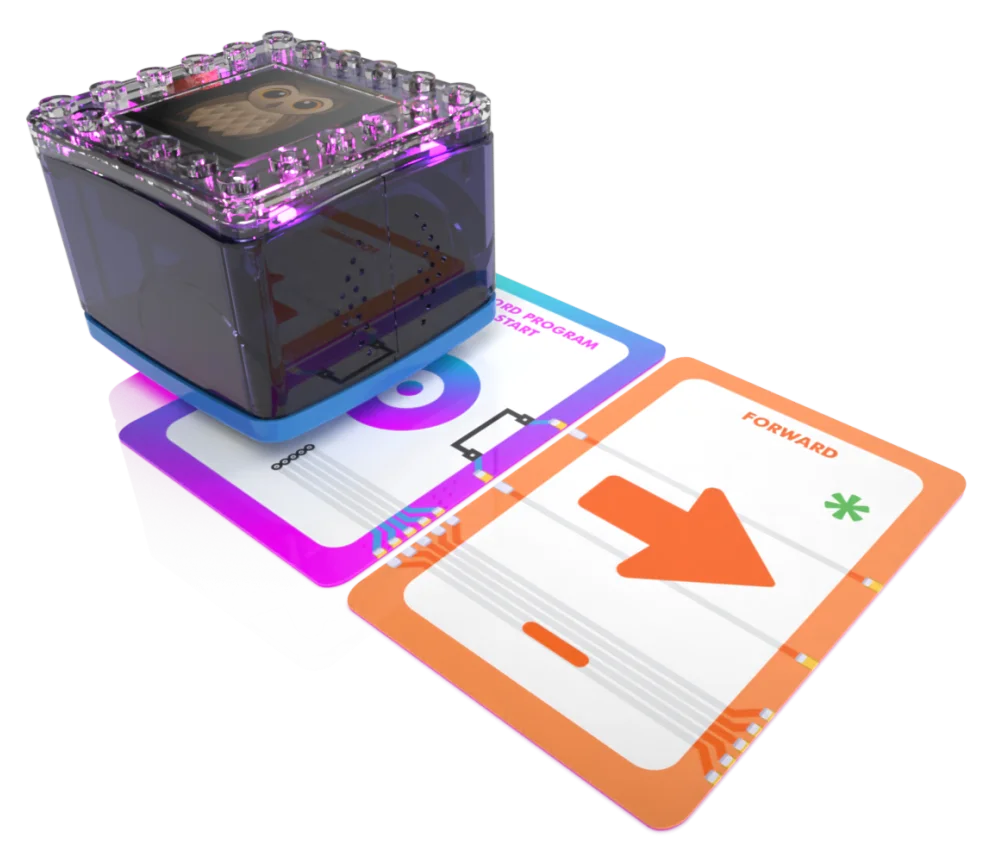
- Tactile Coding: Combines physical coding cards with a robot to teach logic without requiring a screen.
- Guided Phonics: Features standards-aligned lessons that integrate computer science with vocabulary building.
- Inclusive Design: Built on UDL (Universal Design for Learning) principles to support diverse learners.
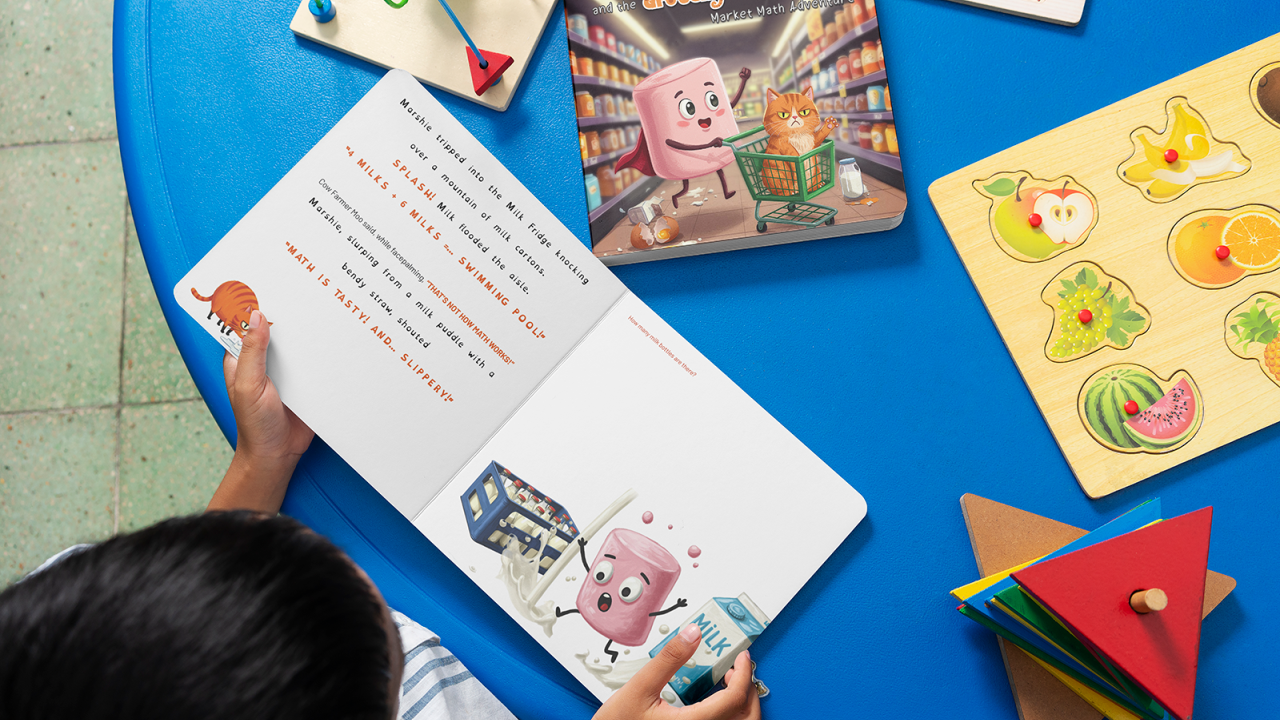
KaiBot Market Math is an educational companion app for Market Math designed by Kai’s Education to teach numeracy and computer science through a hands-on, real-world grocery store simulation.
Features:
Role-Play Math: Students play as “Marshie the Marshmallow” and program a physical KaiBot to go shopping and fulfill orders for various customers.
Real-World Challenges: Learners solve math problems—such as counting, sequencing, and general numeracy—presented via physical activity cards.
Screen-Free Coding: The app integrates with tactile coding cards to move the robot, helping students build logic and pattern recognition skills without relying solely on a screen.
Guided Curriculum: It serves as a companion tool for guided Math and Computer Science (CS) lessons that are standards-aligned and follow Universal Design for Learning (UDL) principles.
Skills Developed: Focuses on early math fluency, problem-solving, and foundational programming concepts in a gamified environment.

KaiBot Dragon of Disengagement is an educational companion app for The Dragon of Disengagement designed by Kai’s Education to build focus, problem-solving, and healthy learning habits in students.
Features:
Hybrid Coding Adventure: Combines screen-free physical play with digital interaction. Students use a physical KaiBot and coding cards to progress through a narrative featuring characters named Marshie and Marsha.
Psychology-Backed Learning: Developed alongside school psychologists to strengthen attention, decision-making, and social-emotional skills.
Skill Development: Focuses on improving concentration and focus while teaching foundational computer science and logic.
Flexible Play: Can be played entirely screen-free or paired with the app and robot for a more immersive, hands-on experience.
Educational Missions: Includes various puzzles and coding missions designed to keep students actively engaged in their learning environment.